
New to our server hosting? No problem. Our step-by-step interactive demos walk you through every feature of the Endercloud panel — from launching your first server to managing advanced settings like a pro.
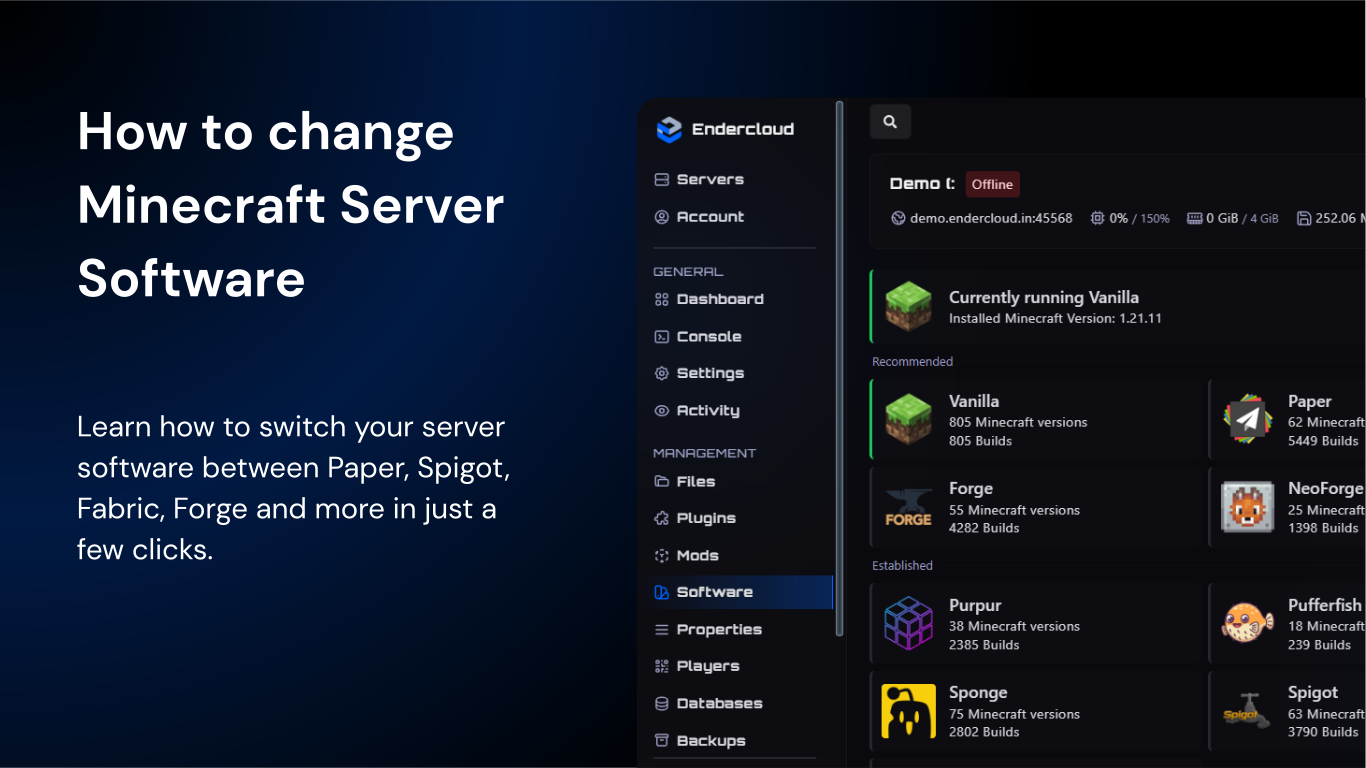
Learn how to switch your server software between Paper, Spigot, Fabric, Forge and more in just a few clicks.
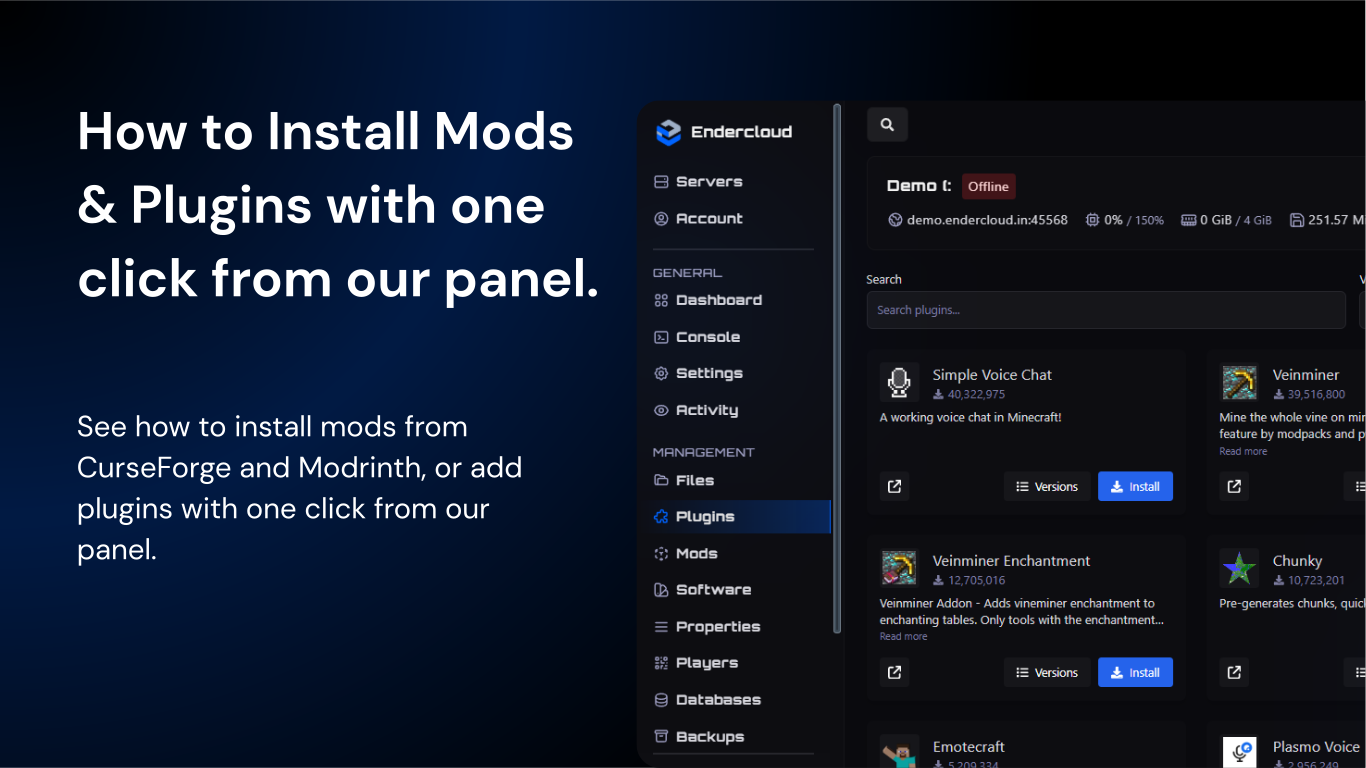
See how to install mods from CurseForge and Modrinth, or add plugins with one click from our panel.
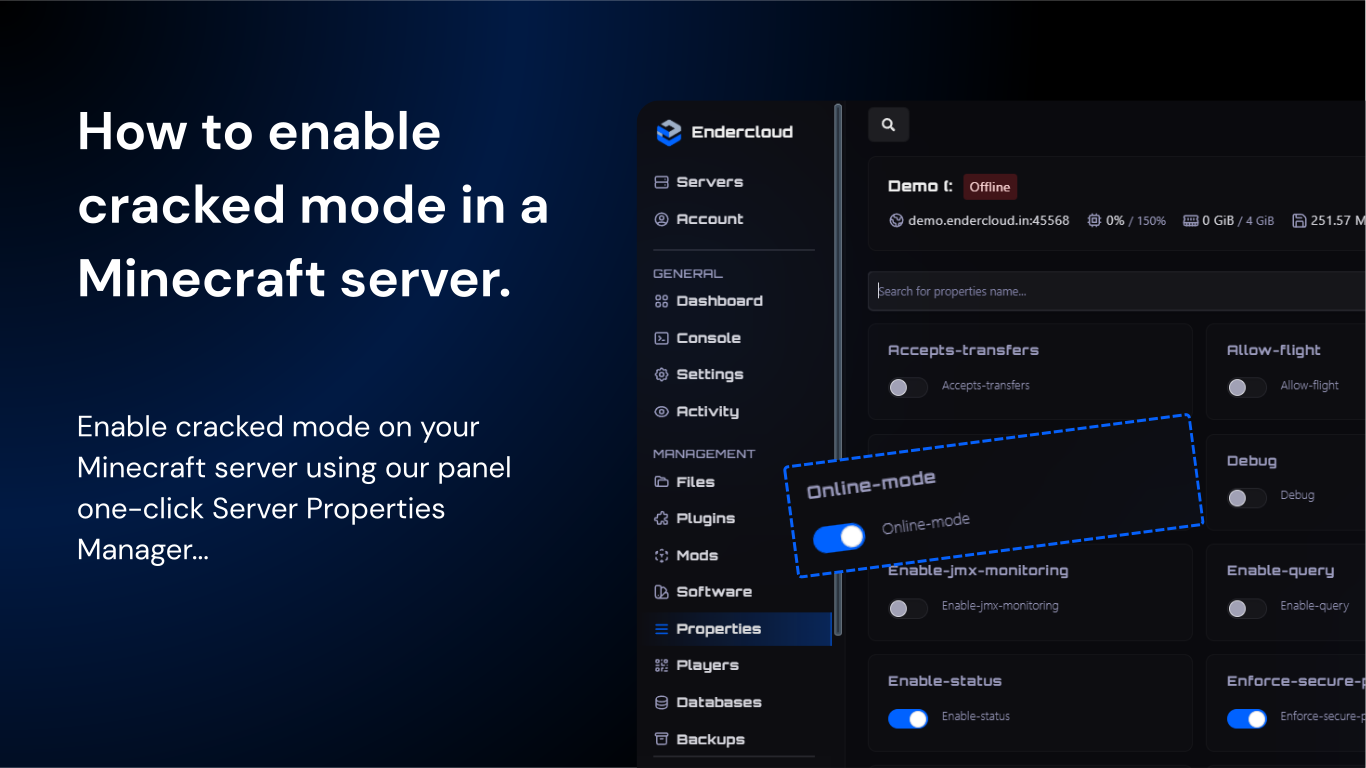
Enable cracked mode on your Minecraft server using Endercloud's one-click Server Properties Manager, No manual file editing required.
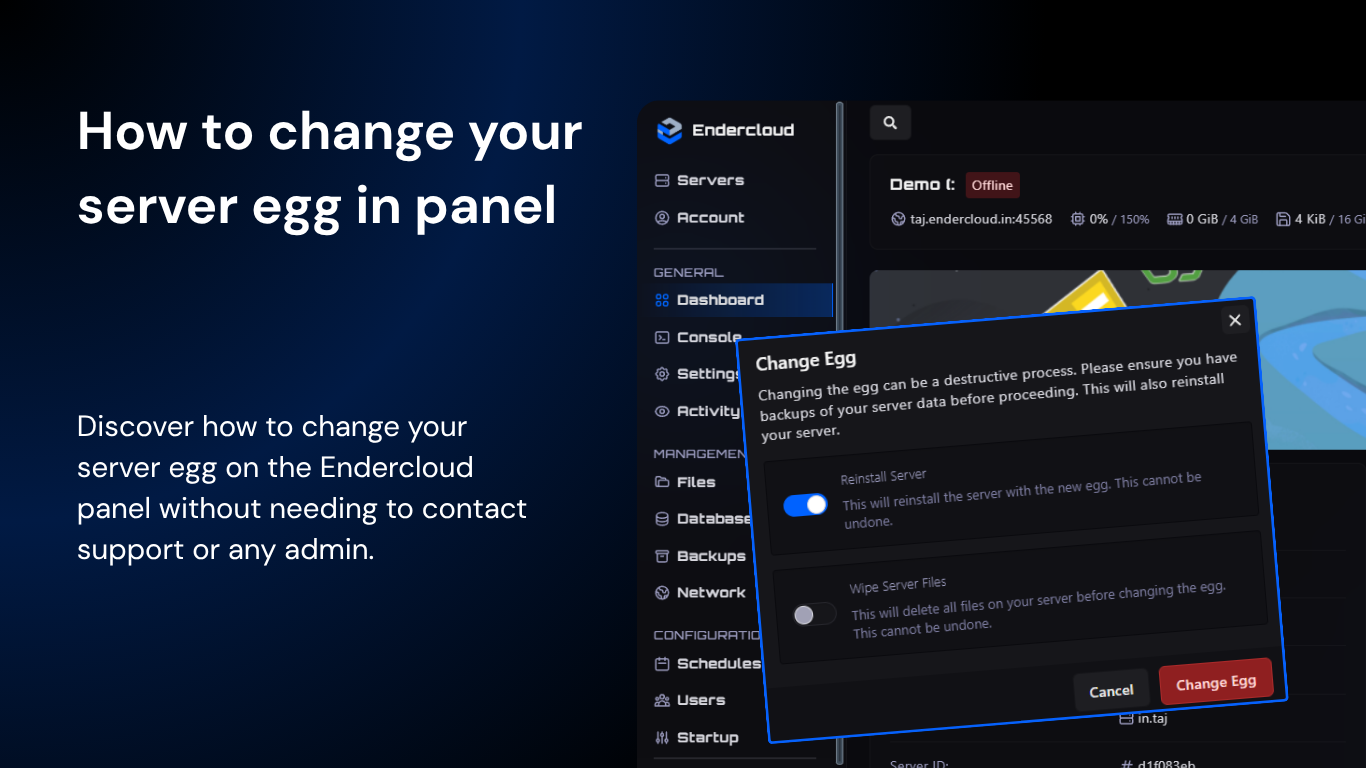
Discover how to change your server egg on the Endercloud panel without needing to contact support or any admin.
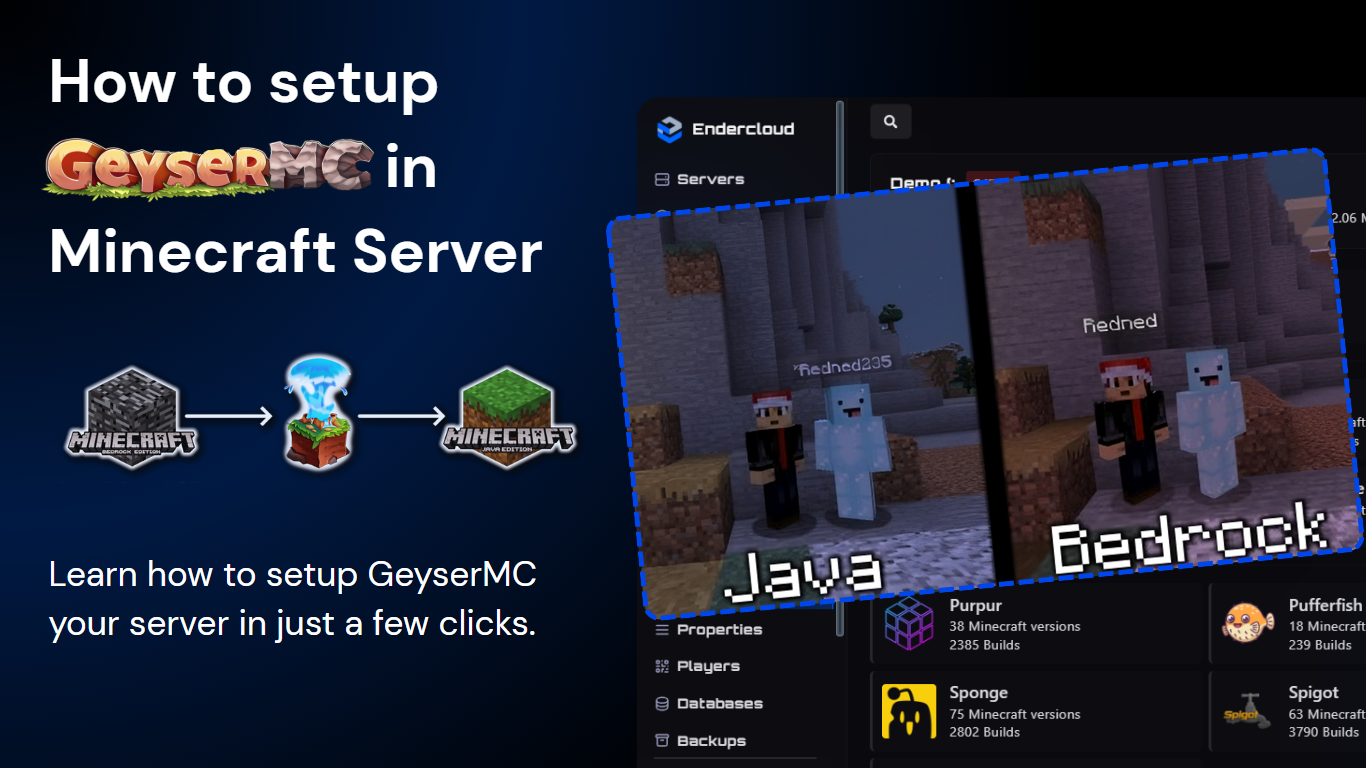
Learn how to install and configure GeyserMC on your Minecraft server, enabling Bedrock players to join your Java server seamlessly.
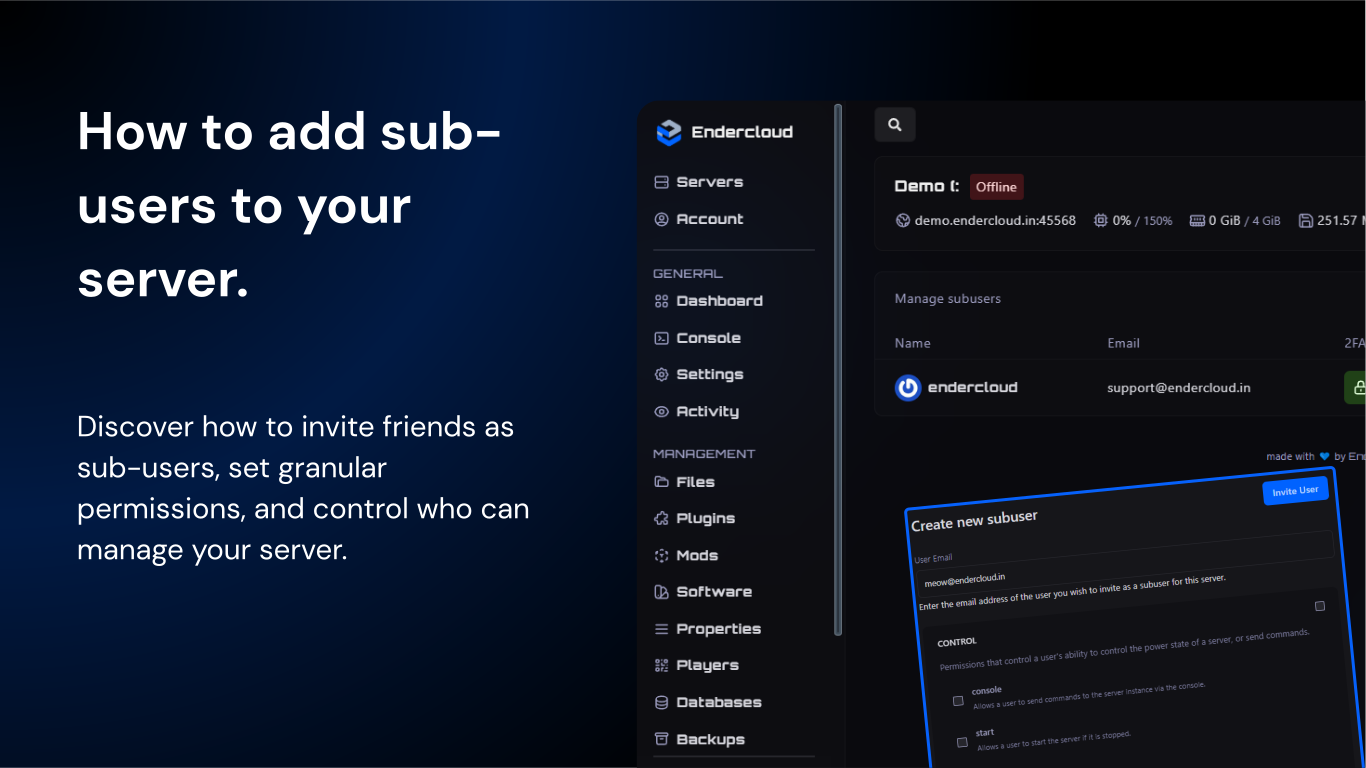
Discover how to invite friends as sub-users, set granular permissions, and control who can manage your server.
Connect with our community of gamers and developers
Get instant support, share experiences, and stay updated with the latest news